
Ever tapped a ‘Like’ button and watched a tiny heart burst into colour? Hovered over a menu item that slides smoothly into focus? Those split‑second flourishes are micro‑interactions, and they do a lot more than look pretty. They guide, reassure and delight your audience… and yes, they sell.
Below is a jargon‑free, action‑packed guide to harnessing micro‑interactions on a WordPress site built with Elementor. Keep scrolling for quick wins, real stats and a checklist you can steal today.
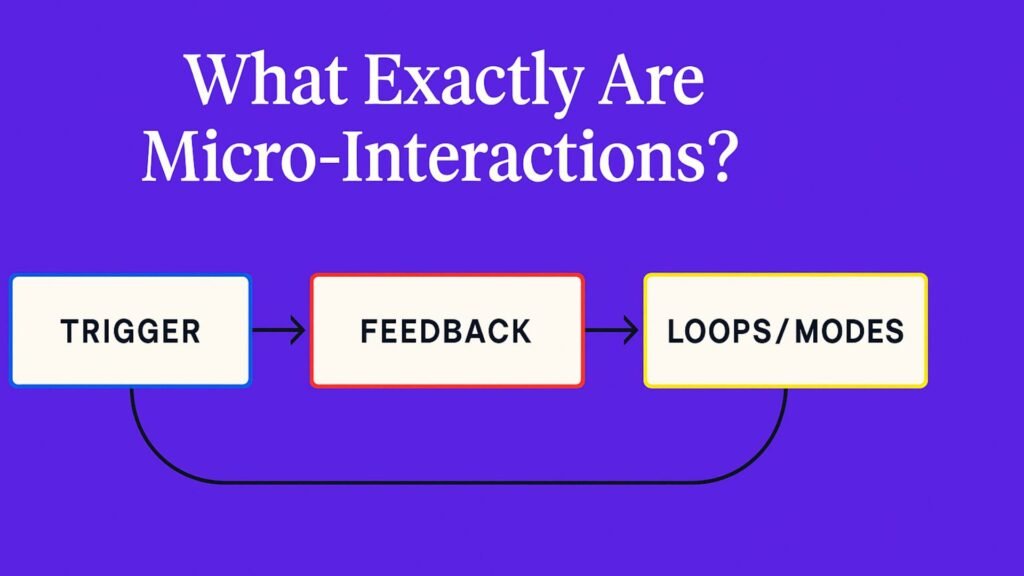
Micro‑Interactions in a Nutshell
Think of a micro‑interaction as a four‑part mini‑story:
- Trigger – the user clicks, hovers or scrolls.
- Rules – the hidden logic that decides what should happen.
- Feedback – what the user sees, hears or feels.
- Loops & Modes – does it repeat, stop or switch state?
Dan Saffer coined this framework way back in 2013, but the principle is timeless: small feedback loops keep users happy and in control.
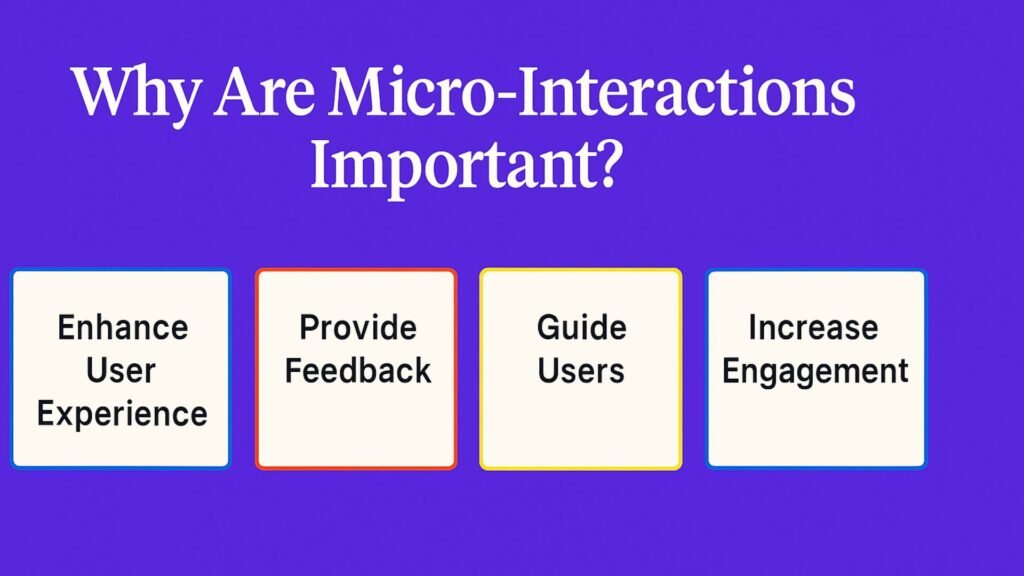
Why Should You Care?
| What users get | What you get |
| Instant reassurance that their click worked | Fewer rage‑clicks and support tickets |
| Clear signposts that prevent mistakes | 23 % drop in form abandonment when real‑time validation is switched on |
| Moments of joy that feel human | Higher dwell time & repeat visits (backed by a 2024 meta‑analysis across e‑commerce & SaaS sites) |
| Brand vibes in motion | Improved recall and share‑ability |
The Psychology Cheat‑Sheet
- Instant gratification – our brains crave quick confirmation; micro‑feedback delivers it in under 400 ms.
- Halo effect – a single delightful animation colours the way users view your entire brand.
- Positive reinforcement – tiny ‘wins’ (✓ ticks, confetti, unicorns) encourage repeat behaviour.
- Trust & calm – visible progress bars or disabled buttons say “We’ve got this” and reduce anxiety.
Swipe‑Worthy Examples
- Social ‘Like’ pops – 200 ms scale‑and‑fade that feels oh‑so‑good.
- Slack’s witty loaders – makes waiting part of the brand story.
- Add‑to‑cart fly‑ins – a thumbnail whooshes into the basket to confirm success.
- Password check‑list – green ticks appear as you type, slashing error messages.
- Asana’s unicorn – a random celebration that turns finishing tasks into a mini‑party.
File those under steal these ideas.
Your Toolkit: WordPress + Elementor
| Feature | Where to find it in Elementor | Use‑case |
| Motion Effects | Advanced ▸ Motion | Fade‑in sections on scroll |
| Hover Animations | Style ▸ Hover | Button colour pop & icon spin |
| Lottie Widget (Pro) | Widgets ▸ Lottie | Play lightweight JSON animations on click or scroll |
| Mouse Track / Tilt | Advanced ▸ Transform | Parallax hero that follows the cursor |
Pro Tips Before You Hit Publish
- Keep it quick – 150‑400 ms feels snappy.
- Stay consistent with your brand’s tone and colour palette.
- Respect
prefers‑reduced‑motion; fall back to static states.
- Test on mobile, tablet and desktop.
- Track performance in Lighthouse to avoid bloat.
Your 3‑Step Quick‑Start Plan
- Audit one crucial page (e.g. checkout or sign‑up). Highlight moments of friction.
- Add a single micro‑interaction where reassurance is missing – maybe a button‑to‑spinner on submit.
- Measure form completions/bounce rate for 14 days. Iterate, then roll out to other pages.
Rinse and repeat – each tweak compounds.
Wrapping Up
Micro‑interactions are the invisible glue that makes a website feel world‑class. They’re quick wins that build trust, inject personality and quietly lift conversions. And with Elementor, you can implement them today – no coding degree required.